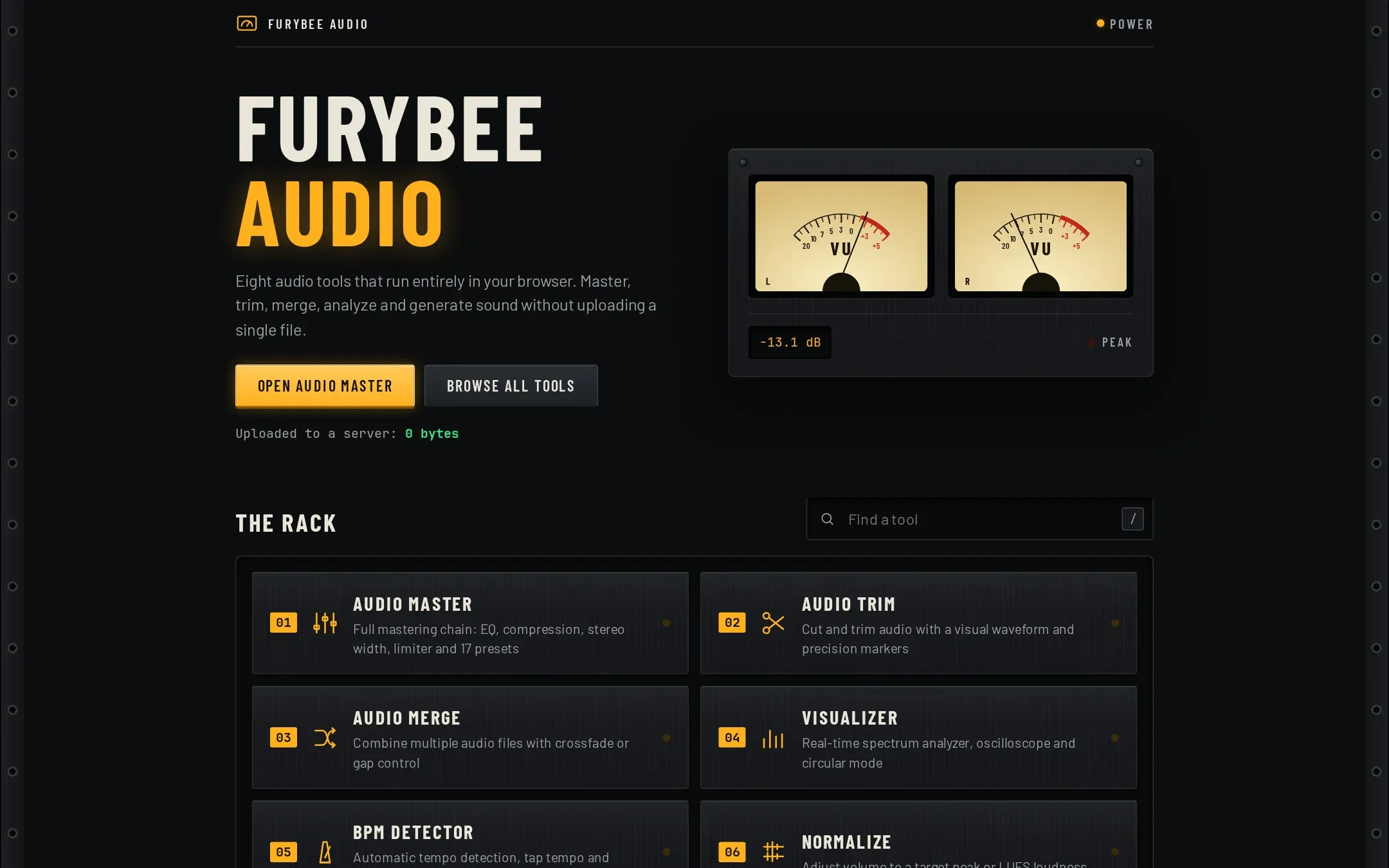
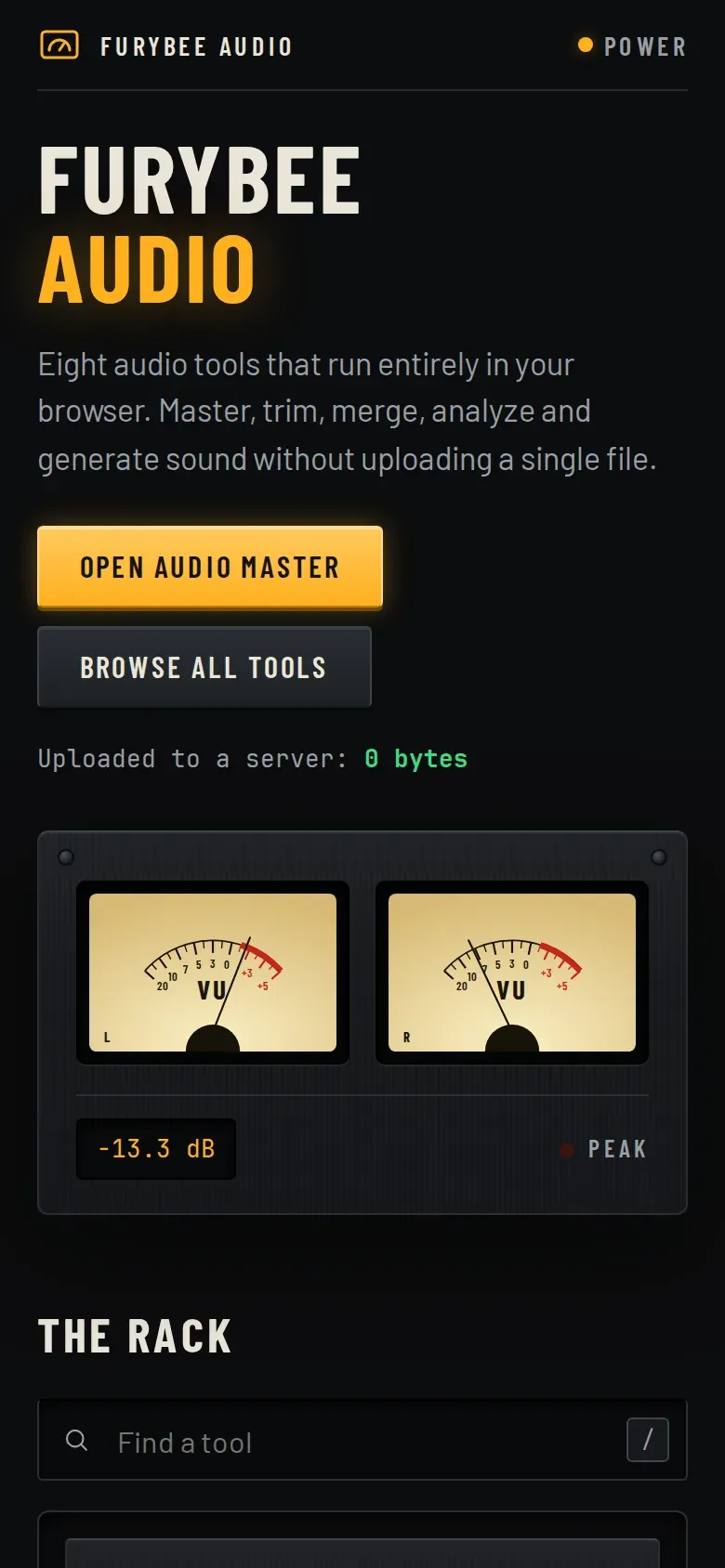
FuryBee Audio Tools brings eight tools into a rack styled like studio hardware: Audio Master, Trim, Merge, Visualizer, BPM Detector, Normalize, Tone Generator and Audio Info.
Audio Master chains a six-band parametric EQ, compressor, saturation, stereo width, reverb and limiter, with fourteen presets from Radio Ready to Voice Over.
Key features
01
Mastering chain
Six-band EQ, compressor, saturation, stereo width, reverb, limiter and output gain, with fourteen presets.
02
Edit
Trim a segment or join several files, exported as WAV.
03
Analyze
BPM detection with tap tempo and a metronome; peak, RMS, dynamic range, waveform and spectrum.
04
Normalize
Peak normalization, or an approximate loudness mode the page labels honestly as "LUFS (RMS approx.)".
05
Generate and watch
Sine, square, sawtooth, triangle and noise tones; a visualizer for a file or your microphone.
How it works
Everything runs with the Web Audio API: decoding, filters, compression and offline rendering. The server only serves pages. The microphone is used only by the Visualizer, only if you choose it, and the site policy allows it for this site alone.
FuryBee Audio Tools FAQ
Are my audio files uploaded?
No. Everything runs in your browser with the Web Audio API.
What format do I get back?
WAV, for Master, Trim, Merge, Normalize and Tone Generator.
Does the visualizer use my microphone?
Only if you pick microphone input. Your browser asks for permission first.
Is the loudness normalization true LUFS?
No. It is an RMS-based approximation, labelled as such. Peak normalization is also available.