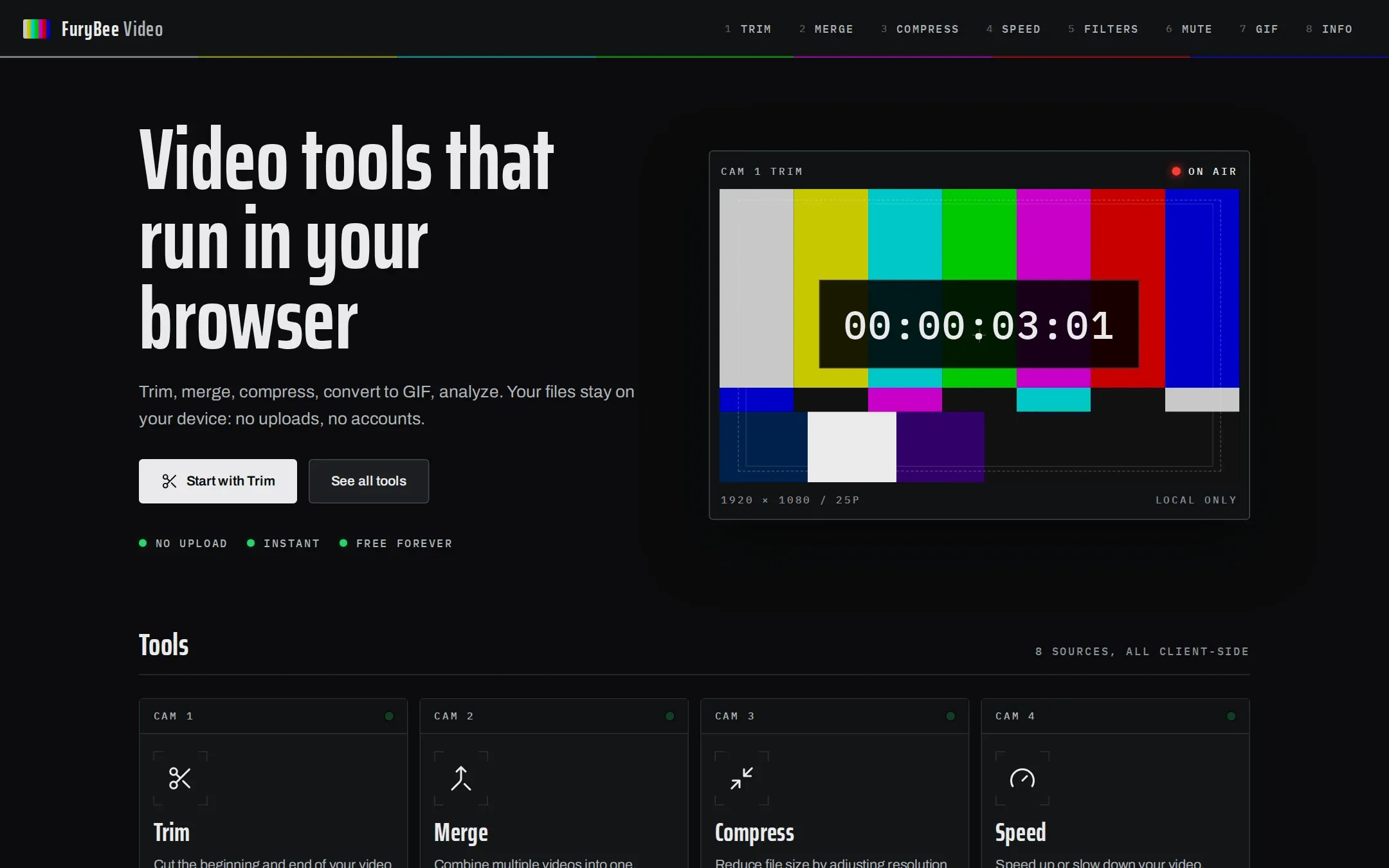
FuryBee Video gathers eight tools in a broadcast control-room interface: Trim, Merge, Compress, Speed, Filters, Mute, GIF and Info.
The editing tools re-record your video in the browser, so an export takes about as long as the clip plays. Output is WebM (VP9).
Key features
01
Trim and compress
Cut the start and end on a timeline, or pick a resolution and quality preset. Audio is kept.
02
Merge
Join two or more clips one after another.
03
Speed and filters
From 0.25x to 4x; brightness, contrast, saturation, sepia, grayscale and blur.
04
Mute
Remove the audio track in one step.
05
Info
Duration, resolution, a codec guess, frame rate and average bitrate.
How it works
Video is drawn to a canvas and recorded with the browser MediaRecorder API, which is why export runs in real time. Merge, Speed and Filters produce video without sound. The server only serves pages.
FuryBee Video FAQ
Are my videos uploaded?
No. They are processed in your browser with Canvas and MediaRecorder.
What format is the output?
WebM with the VP9 codec for every editing tool.
Why does an export take as long as the video?
The browser re-records the video in real time while it plays it back.
Is the audio kept?
Yes for Trim and Compress. Merge, Speed and Filters produce silent video, and Mute removes the sound on purpose.