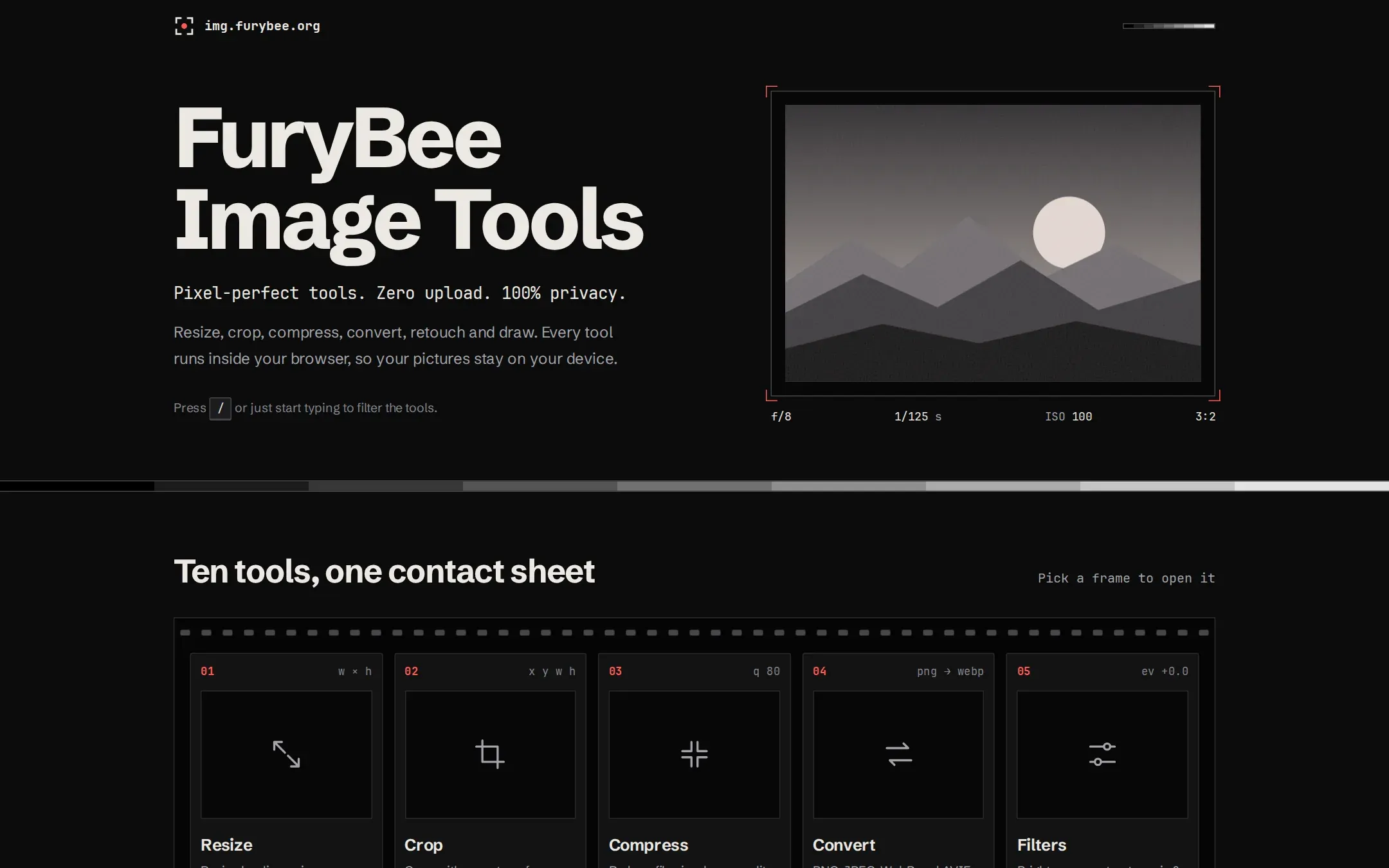
FuryBee Image Tools is a set of ten image tools with a darkroom look. Each tool opens your file in the browser, works on it with the Canvas API and gives you the result as a download.
The tools are Resize, Crop, Compress, Convert, Filters, Watermark, Bulk, Info, Borders and Paint.
Key features
01
Convert to modern formats
PNG, JPEG, WebP and AVIF. Formats your browser cannot encode are detected and shown as unavailable.
02
Batch work
Bulk resizes, compresses or converts many images at once, including a dropped folder.
03
Look inside a photo
Info shows dimensions, size, type, EXIF data (camera, GPS), a histogram and dominant colours.
04
Finishing touches
Filters, text or image watermarks with a tiled mode, borders, padding and rounded corners.
05
A real paint app
Layers, brushes, fill, shapes, text and undo/redo.
How it works
There is no upload endpoint on the server: it only accepts GET and HEAD requests. All processing uses the browser Canvas API on your device.
FuryBee Image Tools FAQ
Are my images uploaded?
No. Processing happens in your browser with the Canvas API, and the server only serves pages.
Which formats can I convert to?
PNG, JPEG, WebP and AVIF. If your browser cannot encode one of them, the tool shows it as unavailable.
Can I process many images at once?
Yes. Bulk resizes, compresses or converts several files or a whole folder.
Can I see the EXIF data of a photo?
Yes. Info reads EXIF on your device, including camera model and GPS position when present.