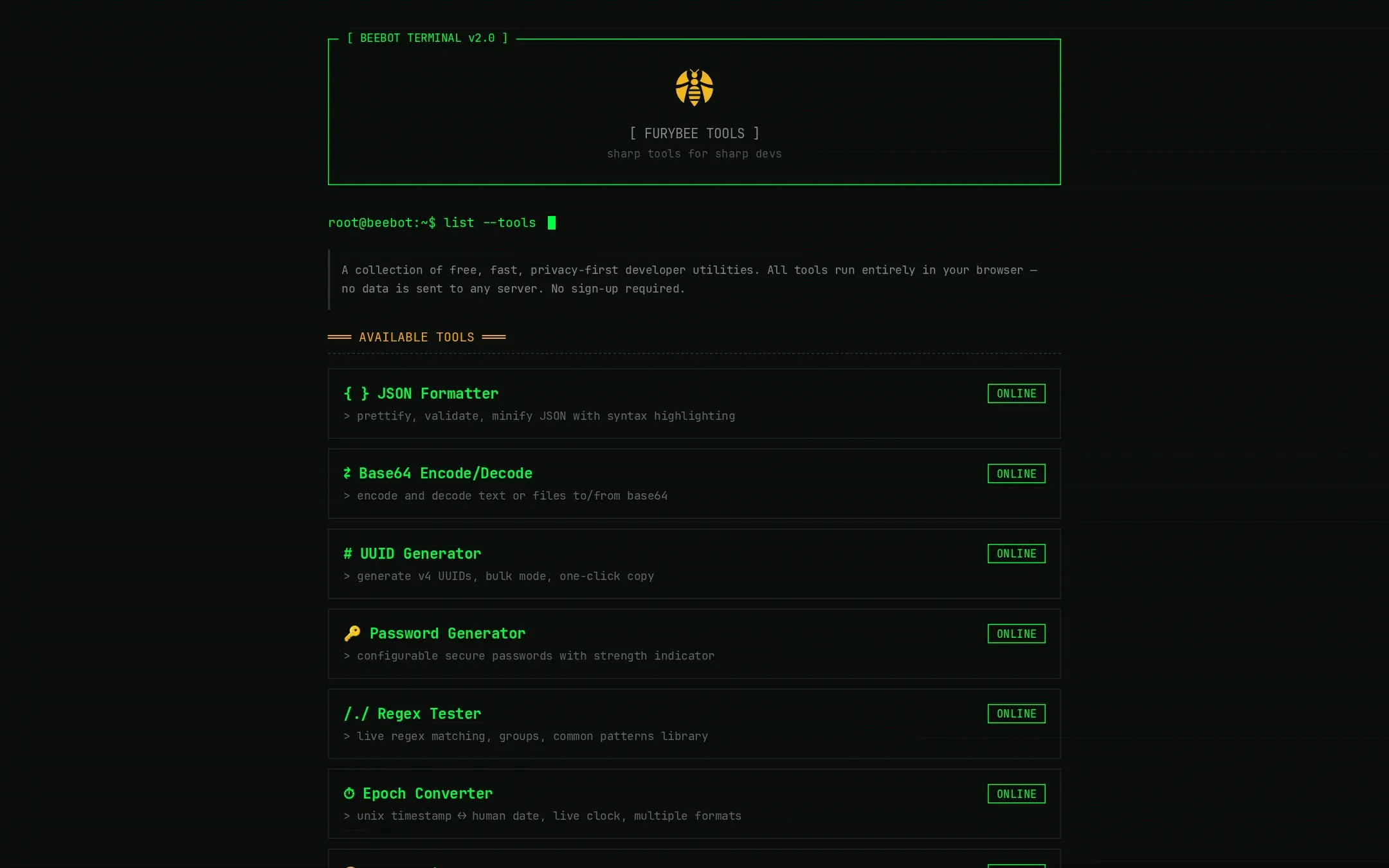
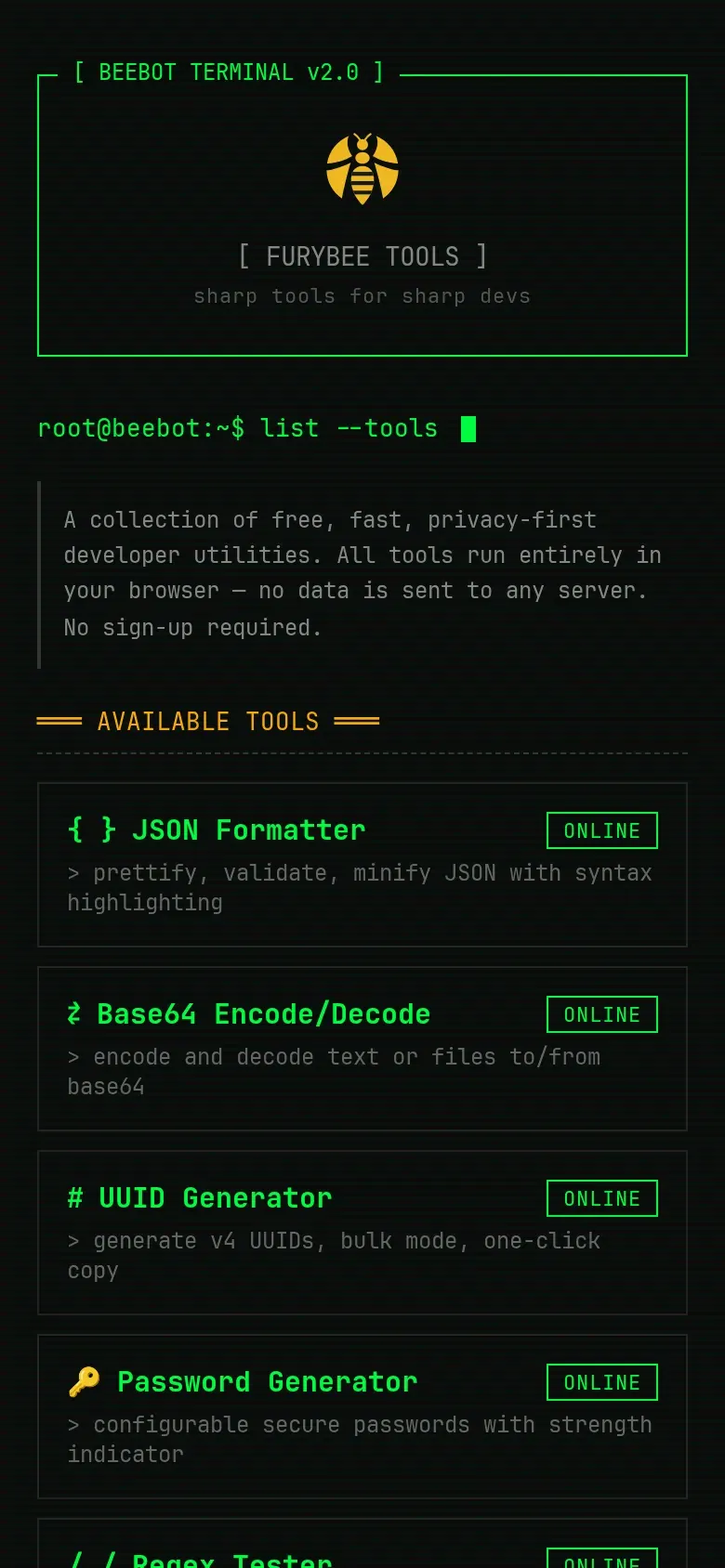
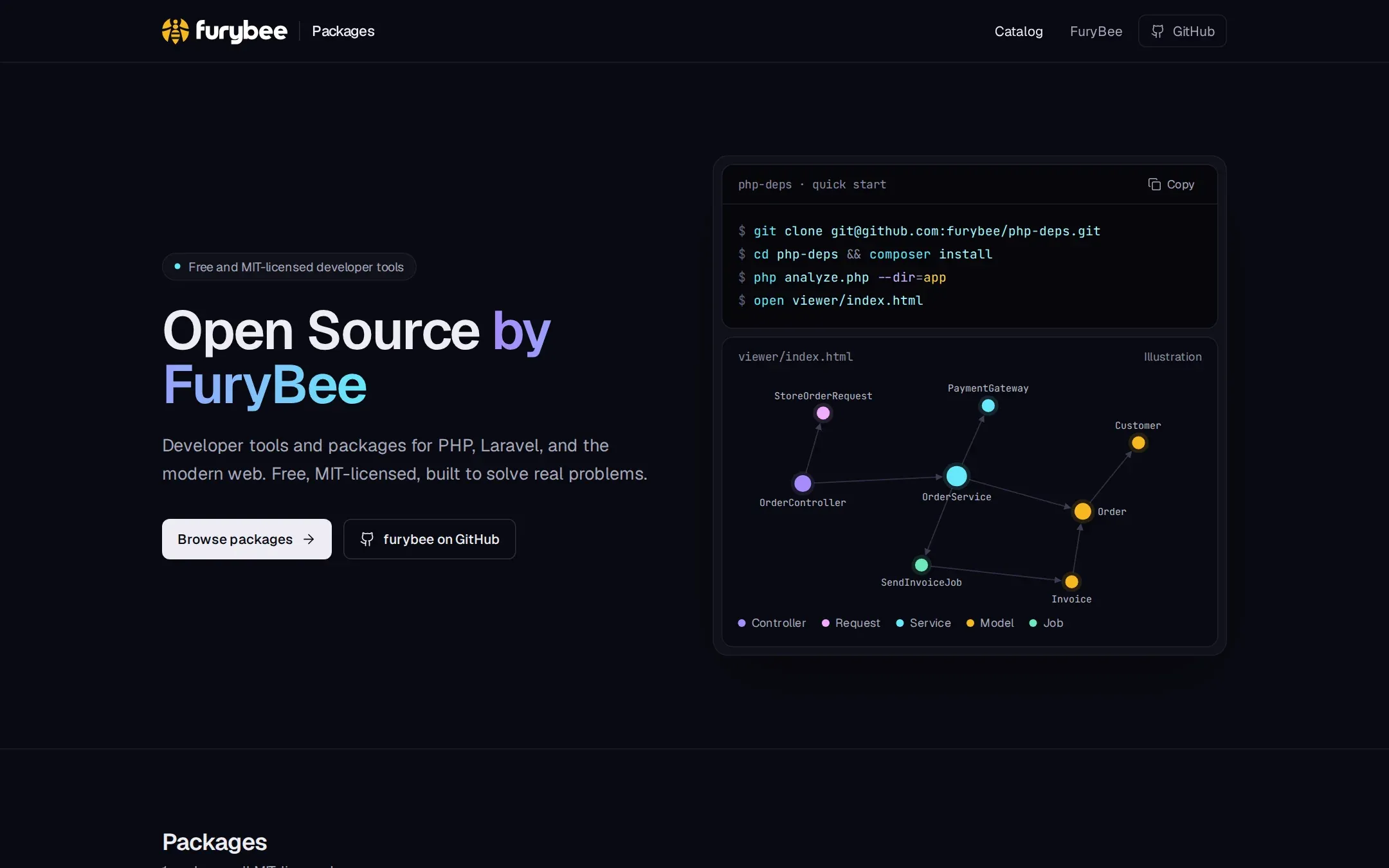
FuryBee Tools is a set of small utilities for everyday development chores, presented as a terminal. Every tool is a single page that works on your input locally.
The full list: JSON Formatter, Base64, UUID Generator, Password Generator, Regex Tester, Epoch Converter, Color Picker, Hash Generator, URL Encode/Decode, HTML Entities, Lorem Ipsum, Markdown Preview, Diff Viewer, Case Converter, IP Info, Slug Generator, JWT Decoder, Cron Explainer, QR Code Generator, Paste Bin and JSON Diff.
Key features
01
Formatting and diffing
Prettify, validate and minify JSON; compare two texts line by line or two JSON documents structurally.
02
Encoding and hashing
Base64 for text or files, URL and HTML entity encoding, and MD5, SHA-1, SHA-256 and SHA-512 hashes.
03
Generators
UUID v4 in bulk, passwords with a strength meter, slugs, lorem ipsum and QR codes as PNG.
04
Explainers
Cron expressions in plain English with the next five runs, JWT header and payload with an expiry check, regex matches with capture groups.
05
Paste Bin without a server
Text is compressed into the link itself. Nothing is stored, and the page says plainly that it is not encrypted.
How it works
The server is a single Node.js file with no dependencies. It only answers GET and HEAD requests and sends a strict content security policy, so the pages cannot call other sites. The one exception is IP Info, which asks api.ipify.org for your public address and says so on the page.
FuryBee Tools FAQ
Is my data sent to a server?
No. The server only serves the pages. The only outside call is IP Info, which fetches your public IP from api.ipify.org.
Is the Paste Bin private?
The text is compressed and stored in the part of the link after #, which browsers do not send to servers. It is not encrypted, so anyone with the link can read it.
Do I need an account?
No. There are no accounts and no cookies.
Which hash algorithms are supported?
MD5, SHA-1, SHA-256 and SHA-512, for text or files.