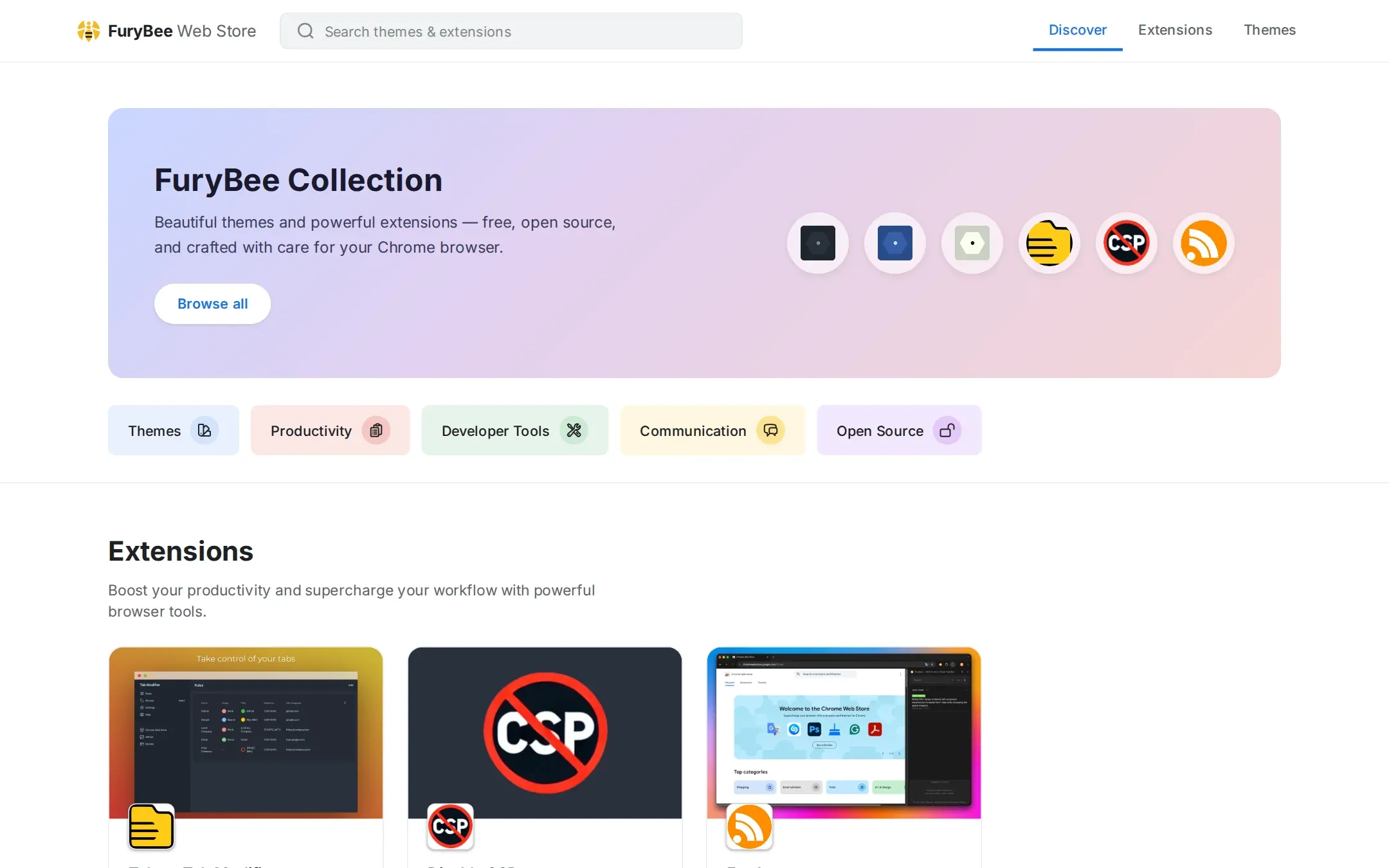
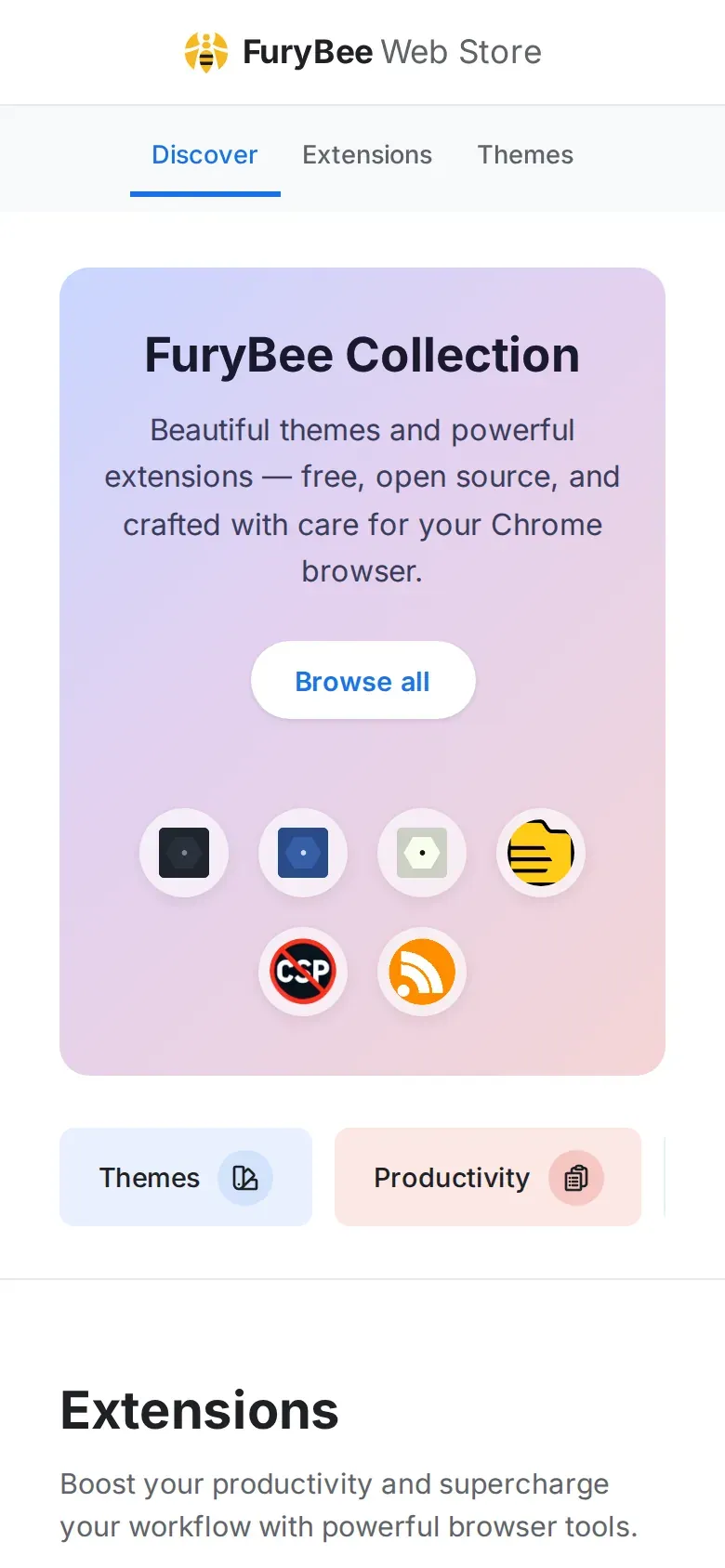
chrome.furybee.org showcases everything FuryBee publishes on the Chrome Web Store. There are three extensions and six themes.
Tabee lets you rename tabs, change their icons, pin, group and mute them, and protect them from being closed by accident. Disable CSP toggles a page's content security policy for debugging. Feedee notifies you about new items in RSS and Atom feeds. The themes are FuryDark, FuryAqua, FuryLemonade, FuryCupcake, FuryValentine and FuryRetro.
Key features
01
Tabee: Tab Modifier
Rename tabs, customize icons, pin, group, mute and prevent accidental closing. Source on GitHub under MIT.
02
Disable CSP
Toggle a page's Content Security Policy while debugging. Source on GitHub under MIT.
03
Feedee
An RSS and Atom feed notifier. Open source under the MIT licence.
04
Six themes
FuryDark, FuryAqua, FuryLemonade, FuryCupcake, FuryValentine and FuryRetro.
How it works
Everything installs for free from the Chrome Web Store. The showcase site is a static Astro build.
FuryBee Web Store FAQ
Are the themes and extensions free?
Yes. All of them install for free from the Chrome Web Store.
Are the extensions open source?
Yes. Tabee, Disable CSP and Feedee are on GitHub under the MIT licence.
What does Tabee do?
It renames tabs, changes their icons, pins, groups and mutes them, and helps prevent closing a tab by accident.
Where do I install them?
From the Chrome Web Store, through the links on chrome.furybee.org.